YOUR NEXT
BUILD.
OUR BENCH.
A considered upgrade. A custom desktop.
A machine that deserves
another go.
Let’s work out what you actually need.
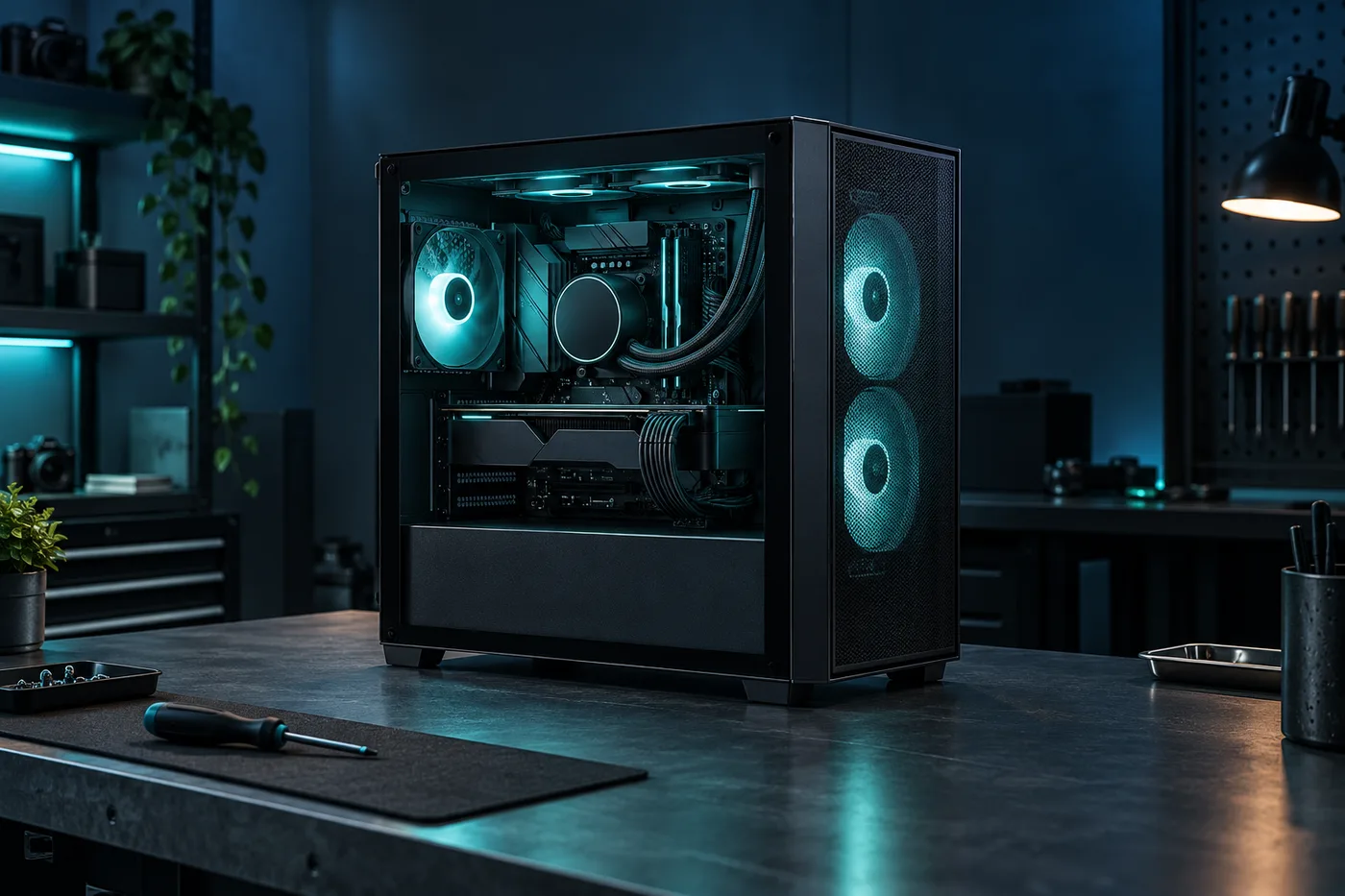
EVERY PART.
PART OF A SYSTEM.
Explore the layers. Follow the signal. A visual introduction to the conversations behind a considered build—not a scan of your device.
The starting point for the build.
Choose around the work you do. The exact processor, socket and motherboard need to be reviewed together before choosing supporting parts.
Concept diagram only. No live telemetry, hardware diagnosis or component compatibility is calculated here.
01 initialise / a clear brief READY
02 map / the way you use your machine READY
03 review / parts, fit & support READY
04 assemble / only after approval READY
Animated storytelling, not an actual system boot or completed hardware check.
SMALL CHANGES.
USEFUL DIFFERENCES.
Explore four fictional workshop-label components. Check dimensions and requirements in the product view, then try the bag. These are demonstration specifications, not real manufactured products.
Illustrative catalogue only. Hardware images do not certify connectors, dimensions or actual performance.
NOT JUST
MORE POWER.
THE RIGHT PURPOSE.
A desktop for everyday work isn’t the same brief as a creative workstation. Choose an example use case, memory and storage to explore how a clear, itemised estimate should behave.
The sample base prices include a complete tower, operating-system setup, assembly and handover. They exclude displays, peripherals and delivery. No real parts are matched by this planner; an actual build needs a component-by-component review.
CHECK THE FIT.
NOT JUST THE PRICE.
MEMORY ISN’T UNIVERSAL.
Start with your motherboard’s exact model and supported memory generation. DDR4 and DDR5 desktop modules are not interchangeable. Check the board documentation, capacity limits and supported configurations; an advertised memory speed is not a promise for every system.
SPACE & POWER MATTER.
A graphics upgrade needs more than an available slot. Confirm case clearance, slot thickness, the power supply’s capacity and the required connectors. Cooling and cable routing also matter. The sample graphics card view lists its intended dimensions to show where those details belong.
KEEP YOUR FILES IN THE PLAN.
An SSD upgrade can mean a fresh installation or a migration, depending on the device and your goals. Discuss backups, encryption keys, drive access and software licences before work begins. Never assume a storage upgrade automatically includes successful data recovery.
General buying checks, not a compatibility assessment of your machine. Consult the actual manufacturers’ documentation before a purchase.
LET’S UNDERSTAND
THE PROBLEM FIRST.
A slow start. An unfamiliar noise. A screen that stays dark. A good repair conversation begins with what you’ve noticed, not a guess at the part you should buy.
DIAGNOSTIC ASSESSMENT
$69 / sample assessmentInitial inspection and fault investigation for a desktop or laptop. The intended outcome is an explanation and a written repair option—not a promise that every device can be fixed.
Parts and repair labour are separate. The concept workflow asks for approval before additional work. Data recovery is not included in this assessment.
UPGRADE INSTALLATION
From $49 / labour onlyInstallation of an agreed memory or storage upgrade in a suitable device. The starting price covers a straightforward accessible installation, not every laptop or complex migration.
Compatibility, parts cost, operating-system work and any file migration would be confirmed separately before proceeding.
DESKTOP CLEAN & CHECK
$89 / sample serviceA workshop clean with a visual check of fans, cables and accessible components, followed by a discussion of what was found. It is not a guaranteed fix for overheating or instability.
Liquid cooling work, replacement parts and extensive disassembly would need their own scope and approval.
YOU SHOULD KNOW
WHAT HAPPENS NEXT.
-
CHECK IN.
Record the device, accessories and reported symptoms together. Discuss backups and encryption before handing it over. Do not send passwords, recovery keys or confidential files through a website enquiry.
-
ASSESS & EXPLAIN.
Investigate within the agreed diagnostic scope. Explain the findings, repair options, parts availability and the limitations of the assessment, including when replacement may make more sense.
-
APPROVE, THEN WORK.
Get written approval for the agreed repair and price before ordering parts or doing extra work. A live service would provide realistic updates if the diagnosis or timeline changes.
-
TEST & HAND OVER.
Explain the completed work and the checks performed. Provide an itemised invoice, relevant support terms and practical next steps. The workshop demo below stops before any device is booked in.

TECHNICAL WORK.
HUMAN EXPLANATIONS.
Circuit Bench is our fictional neighbourhood workshop: a parts counter at the front, a tidy repair bench at the back, and a team that would rather explain than overwhelm.
In the studio story, Mei looks after builds and component research while Andre leads the repair intake and handover. Both care about the same thing: understanding how a machine is actually used before deciding what should change.
Sometimes the best next step is an upgrade. Sometimes it’s a better explanation, a backup plan or keeping the device you already have. The business concept makes room for those answers too.
AI-generated technicians. Invented staff and workshop; no certifications, real customer outcomes or authorised-brand repair status are claimed.
GOOD SUPPORT
STARTS WITH CLARITY.
DELIVERY & COLLECTION.
The parts bag uses a sample Australian delivery rate of $15, waived when the merchandise subtotal reaches $300. This does not apply to the separate build planner. There is no live dispatch service or collection location.
A real store would confirm the delivery area, stock status and any insurance or bulky-item charges before payment.
PARTS & REPAIR SUPPORT.
A real sale should identify the product, invoice, applicable support terms and how a fault report is handled. This concept does not invent a manufacturer warranty or describe a binding repair guarantee.
The sample service prices are not real offers and do not limit any applicable consumer rights.
BEFORE YOU BRING IT IN.
Write down symptoms and when they occur. Back up accessible files and ask about encrypted storage. Bring the correct charger if the intake requests it, but leave unrelated accessories at home.
No real device should be delivered based on this fictional website. The form below is a local interaction preview only.
STRAIGHT
ANSWERS.
Will the website diagnose my computer?
No. It previews a repair intake, not a diagnosis. Symptoms can have several causes, and no hardware is examined here. A real technician would assess your device within a clearly agreed scope.
Can you recover data from a failed drive?
This concept does not offer or promise data recovery. A real service would explain the risks, specialist referral options and consent requirements before attempting work. Never put recovery keys or passwords into the demo form.
Can you install parts I already own?
The imagined workshop would first review the exact models, condition, compatibility and intended work. A real quote would explain responsibility for customer-supplied parts and any testing limits before accepting them.
Are the catalogue specifications real?
No. Bench G8, DDR5 Kit, NV1 and Air Case are fictional workshop-label products designed to demonstrate detailed product pages. Their imagery and specifications cannot be used to choose or validate actual hardware.
What happens after I submit a repair preview?
A local dialog summarises the device and issue you chose. No email is sent, no job number is issued, no appointment is reserved, and none of your input is retained.
WHAT’S
NOT WORKING?
Try the repair-request experience. Choose the device and tell us what you noticed. We’ll show a local summary, not create a real repair job.
Don’t include passwords, serial numbers, recovery keys or private files. Use sample details while testing.